
How to Turn Text Into Marketing Videos Using AI
Creating marketing videos no longer requires businesses to film every scene from scratch. AI tools now allow marketers to turn text into marketing videos, converting written ideas, scripts, and prompts into visuals, movement, and sound.
From product advertisements to social media promotions, businesses can create video content by describing what they want to show. This makes it easier to explore different creative ideas and prepare content for marketing campaigns.
This guide explains how to turn text into marketing videos, introduces three AI tools, and shares tips for creating useful promotional content.
Why Use AI to Turn Text Into Marketing Videos?
AI text-to-video tools make video creation more accessible to marketers and small businesses. Instead of starting with recorded footage, users can begin with a written description.
Some benefits include:
- Faster content creation: Generate video scenes without arranging a new shoot.
- Creative flexibility: Experiment with different settings, movements, and visual styles.
- Content repurposing: Turn written ideas and scripts into visual content.
- Marketing flexibility: Create videos for social media, product promotions, and advertisements.
- Easier testing: Develop different video concepts before choosing one for a campaign.
These benefits connect with the growing use of AI in digital marketing, where businesses are finding new ways to create content and manage marketing activities.
How to Turn Text Into Marketing Videos Using AI
Step 1: Define Your Marketing Goal
Decide what your video should achieve. You might want to introduce a product, explain a service, or promote an upcoming campaign.
A clear goal helps you plan the message and visual direction.
Step 2: Write a Clear Prompt or Script
Describe the video you want to create.
Include the subject, setting, movement, lighting, and overall style.
A sample prompt could be:
“Create a promotional video showing a modern coffee machine on a kitchen counter, with warm lighting, smooth camera movement, and close-up product shots.”
Step 3: Choose an AI Video Tool
Select a platform that matches your needs.
Some tools specialize in short cinematic clips, while others support complete videos with multiple scenes, voiceovers, music, and editing.
Step 4: Generate and Review
Enter your prompt and generate the video.
Review the scenes, visual details, and movements. Adjust the instructions if the result does not match your original idea.
Step 5: Add Marketing Elements
Include important information such as product names, captions, brand colors, background music, and a call to action.
Keep the message simple and easy to understand.
Step 6: Export Your Video
Choose a suitable video format for your platform.
Vertical videos work well for Instagram Reels, TikTok, and YouTube Shorts, while horizontal videos can suit YouTube and websites.
3 AI Tools for Turning Text Into Marketing Videos
Different AI tools offer different ways to create videos from written instructions. Here are three options for marketing content.
1. Invideo
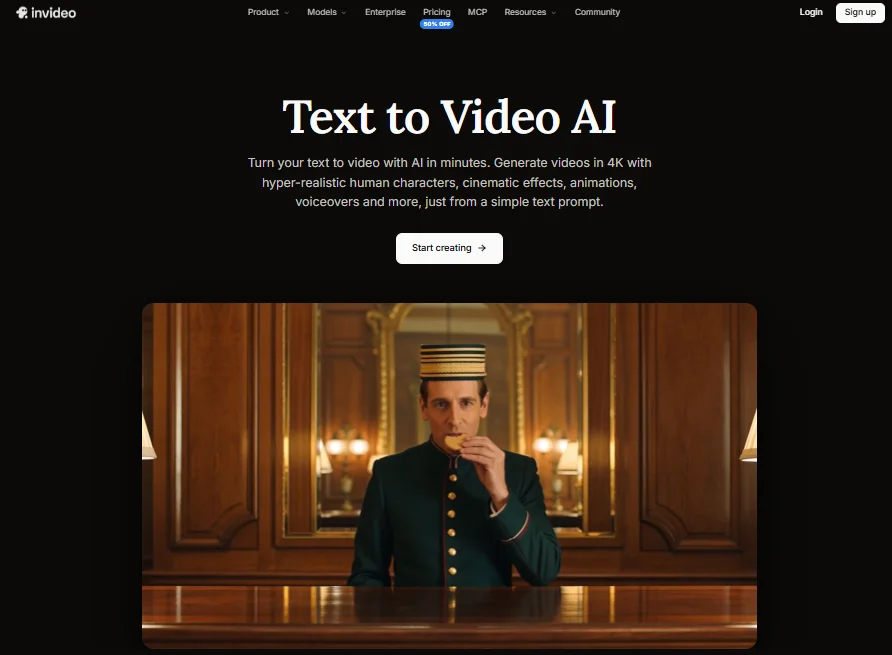
Invideo is an AI-powered video creation platform that helps businesses turn text prompts, scripts, and documents into marketing videos. It supports video creation from the initial idea to the final edit, making it useful for content creators, ecommerce brands, and marketing teams.
With invideo’s Text to Video AI, users can describe scenes, characters, movements, and visual styles. The AI can generate video scenes, animations, voiceovers, background music, and edits based on those instructions.
Invideo provides access to several AI models, including Seedance 2.5, Gemini Omni Flash, Veo 3.1, Kling 3.0, and MiniMax H3. These support different creative needs, including cinematic lighting, natural movement, consistent characters, dialogue, and synchronized audio.
The platform supports eight-second cinematic clips with advertised 1K, 2K, and 4K generation options. Marketers can create product advertisements, UGC-style videos, promotional clips, and social media content.
Invideo also supports realistic AI-generated characters. Users can describe their appearance, movements, and interactions for explainers, branded stories, and training videos.
For longer projects, invideo’s AI agents can analyze uploaded scripts or briefs, generate clips, organize scenes, and build an editable timeline. Users can also write scripts with an AI co-writer and create shot-by-shot storyboards before generating videos.
Its timeline editor allows further refinement, while custom agents can handle creative roles such as cinematography, music, sound design, and color grading.
Invideo also offers multiplayer editing with live cursors, allowing teams to review and improve videos together. These workflows support content for YouTube, Instagram, TikTok, filmmaking, and localized marketing campaigns.
Key features:
- Converts prompts, scripts, and documents into videos.
- Generates scenes, animations, voiceovers, music, and edits.
- Offers multiple AI models and selected 4K generation.
- Supports product ads, UGC content, explainers, and social videos.
- Creates realistic AI characters with prompted movements.
- Includes AI agents, script writing, and storyboarding.
- Provides timeline editing, custom agents, and real-time collaboration.
Best for: Marketing teams, ecommerce businesses, and creators producing branded videos and multi-scene content.
2. Runway
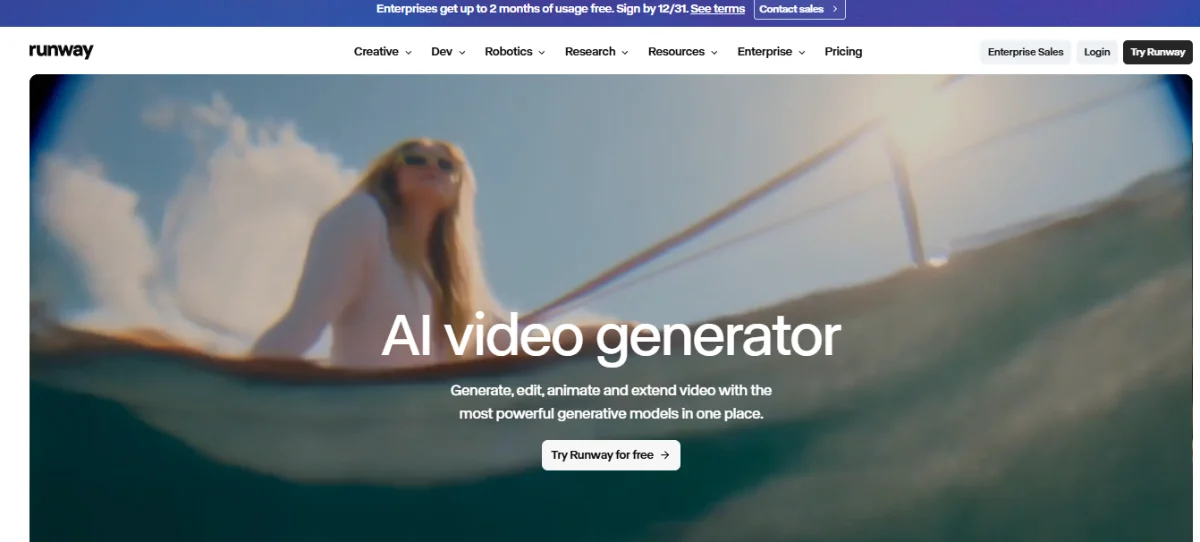
Runway is an AI video generation platform that allows creators to turn written descriptions into video clips. It is useful for marketing teams creating cinematic advertisements, product visuals, and creative promotional scenes.
Its Gen-4.5 model supports text-to-video generation without requiring an uploaded reference image.
Users can describe a subject, setting, camera movement, lighting, and action. The model interprets these instructions to generate a moving scene.
Runway supports detailed prompts involving camera movement, visual composition, and the timing of events. This can help marketers create specific scenes for advertising campaigns.
Gen-4.5 supports video durations between two and ten seconds, making it suitable for short promotional clips.
The platform also provides generation settings, including aspect ratio options. Users can adjust prompts and regenerate clips to explore different concepts.
Runway can be useful for developing product close-ups, visual storytelling scenes, and cinematic content that can later be combined into larger marketing projects.
Key features:
- Generates videos directly from written prompts.
- Supports detailed camera and motion instructions.
- Offers the Gen-4.5 text-to-video model.
- Creates clips between two and ten seconds.
- Supports different generation settings and aspect ratios.
- Allows prompt adjustments and video regeneration.
- Helps develop cinematic advertisements and creative scenes.
Best for: Advertising teams, creative agencies, and marketers producing cinematic promotional content.
3. Canva
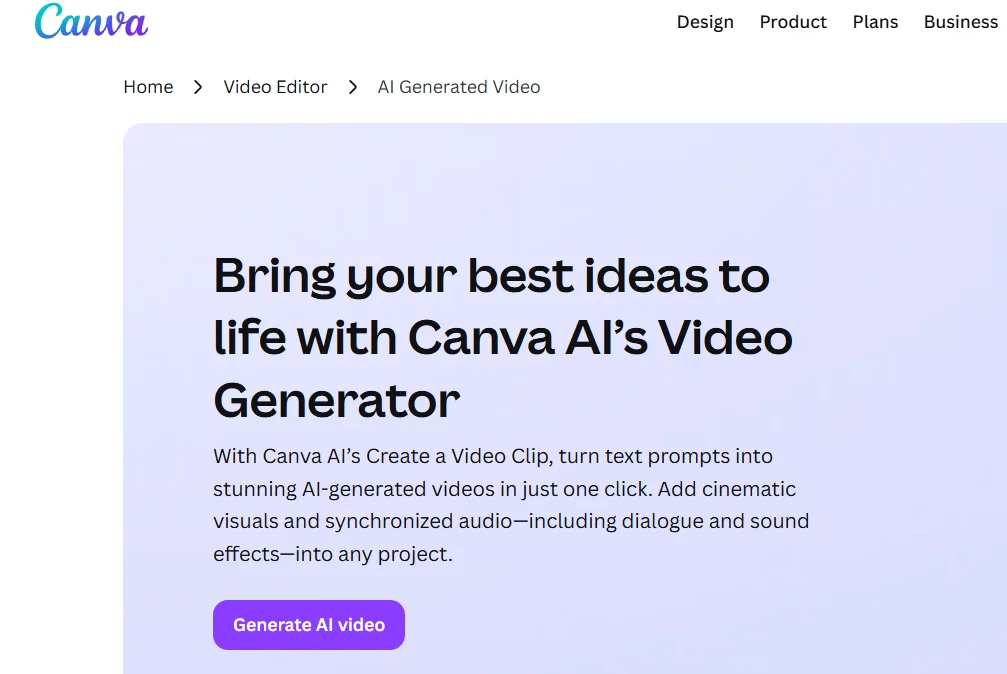
Canva is an online design platform that combines graphic design, video editing, and AI-powered content creation. It is useful for businesses preparing marketing videos alongside social media posts and other promotional materials.
Canva’s Create a Video Clip feature allows users to generate short videos from written prompts.
Users can describe a scene, setting, movement, or visual style, and Canva generates a video based on those instructions.
The feature supports short clips with synchronized audio, including dialogue and sound effects, depending on the generation mode.
After generating a clip, users can open it in Canva’s editor to add text, graphics, music, and other marketing elements.
Canva also provides video templates and branding tools that help businesses maintain a consistent visual appearance across different campaigns.
Marketers can prepare promotional clips, product announcements, and short social media videos without leaving the design workspace.
Key features:
- Generates short videos from written prompts.
- Supports AI-generated visuals and audio.
- Allows users to describe scenes and visual styles.
- Includes video editing and trimming tools.
- Offers promotional templates and design elements.
- Supports brand colors, graphics, and text overlays.
- Combines video creation with other marketing design tools.
Best for: Small businesses, social media managers, and marketers creating short branded videos.
Tips for Creating Better AI Marketing Videos
Keep Your Message Clear
Focus on one main idea per video. Avoid including too many products, visual effects, or messages.
Write Detailed Prompts
Describe the subject, setting, movement, and lighting. Clear instructions help guide the AI toward the result you want.
Maintain Brand Consistency
Use familiar colors, logos, and messaging. Review generated content to make sure product details remain accurate.
Test Different Video Concepts
Experiment with different openings, camera movements, and calls to action.
Testing creative ideas can support your social media marketing strategy and help you understand what interests your audience.
Review Before Publishing
Check visuals, captions, voiceovers, and product details. AI-generated videos should always receive a final review.
Common Mistakes to Avoid
Even with AI tools, marketing videos need thoughtful planning.
- Unclear prompts: Describe your scenes and movements properly.
- Excessive effects: Keep attention on the main message.
- Incorrect product details: Check logos, colors, and packaging.
- Wrong video formats: Choose suitable dimensions for each platform.
- Missing calls to action: Explain what viewers should do next.
- Skipping performance analysis: Review campaign results to improve future content.
Video creation should also support wider marketing goals. Businesses can connect creative testing with their performance marketing strategy to understand which campaigns deliver meaningful results.
Conclusion
AI text-to-video tools give businesses more ways to create marketing content from written ideas. Marketers can generate promotional scenes, product videos, and social media clips without filming every part of a project.
Platforms such as invideo, Runway, and Canva provide different approaches to video creation. The right tool depends on your content goals, creative requirements, and editing needs.
Clear prompts, consistent branding, and careful review can help businesses produce videos that communicate their message effectively.
Frequently Asked Questions
1. Can AI turn written text into a complete marketing video?
Yes. Some AI tools can turn prompts and scripts into videos with generated scenes, visuals, voiceovers, music, and edits.
2. Which AI tool is suitable for creating marketing videos from text?
Invideo, Runway, and Canva are useful options. Invideo supports multi-scene video workflows, Runway focuses on cinematic clips, and Canva combines short video generation with design tools.
3. Can AI-generated videos be used for social media advertising?
Yes, provided the content follows the platform’s advertising policies and the AI tool’s commercial usage terms. Businesses should review videos before publishing.
4. Do I need professional editing skills to create AI marketing videos?
Not necessarily. Many tools let users describe what they want in simple text. Basic editing knowledge can help improve the final result.