

How to Turn Product Images Into Marketing Videos Using AI?
Product images are important for online marketing, but turning product images into marketing videos gives businesses more ways to present their products. A still photo shows how a product looks, while a video can add movement, highlight details, and make the content more interesting.
AI image-to-video tools make this process easier. Businesses can turn existing product photos into short videos without recording new footage. These videos can support social media campaigns, ecommerce promotions, and digital ads.
This guide explains how to create marketing videos from product images, introduces three useful AI tools, and shares tips for improving the results.
Why Use AI to Turn Product Images Into Videos?
AI gives marketers more ways to work with images they already have. Instead of creating every video from scratch, businesses can animate product photos and prepare content for different platforms.
Some benefits include:
- Faster content creation: Create short promotional videos without arranging a new shoot.
- Better product presentation: Add movement that draws attention to important product details.
- More content options: Turn one product image into different video concepts.
- Social media flexibility: Prepare videos for Instagram Reels, TikTok, and YouTube Shorts.
- Creative testing: Compare different movements, visuals, and messages across campaigns.
These videos can also support a broader ecommerce digital marketing strategy by giving brands more ways to present products to potential customers.
How to Turn Product Images Into Marketing Videos Using AI
Step 1: Choose Clear Product Images
Start with high-quality photos that show the product properly. Images with good lighting and a clean background make it easier to create useful video clips.
You can choose product packaging shots, close-ups, or lifestyle images depending on your campaign.
Step 2: Plan the Video Movement
Think about how you want the product to appear.
A gentle zoom may work well for cosmetics, while a slow camera pan can highlight the design of an electronic product.
Choose movements that help customers notice important details.
Step 3: Select an AI Video Tool
Choose a tool that supports image uploads and motion instructions.
Some platforms focus on generating cinematic clips, while others also provide editing, branding, and collaboration features.
Step 4: Write a Clear Prompt
Upload the product image and explain the movement you want.
A prompt might say:
“Create a smooth camera movement toward the product with soft lighting and a gentle zoom. Keep the product shape, colors, and packaging consistent.”
Detailed instructions help guide the generated result.
Step 5: Edit and Prepare the Video
Review the animation and make any necessary changes. Add product information, music, or a call to action where appropriate.
Choose an aspect ratio that matches the platform where you plan to publish.
3 AI Tools for Turning Product Images Into Marketing Videos
1. Invideo
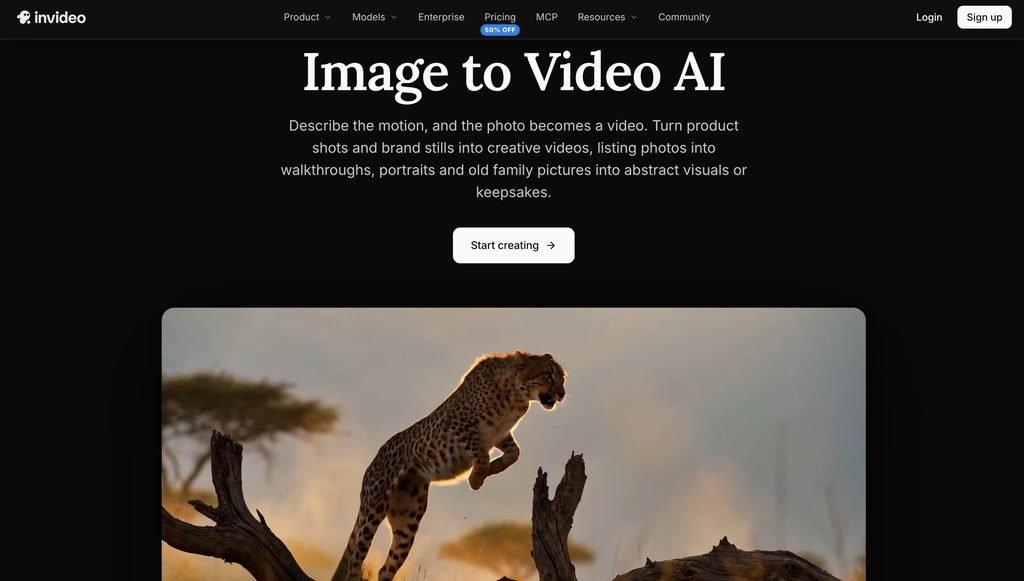
Invideo is an AI-powered video creation platform that helps marketers turn existing product photos into animated video clips. It supports product promotions, ecommerce content, social media ads, and branded video campaigns.
With invideo’s image to video ai generator, users can upload images in JPG, PNG, or WEBP format and describe the movement they want. The tool can generate camera movements such as slow zooms and pans, helping bring still product images to life.
Invideo brings multiple AI models into one creative workspace. Its listed models include Seedance 2.5, Seedance 2.0, Kling 3.0, MiniMax H3, and Runway Gen-4.5, along with image, audio, and other creative models. Users can select a suitable model based on their project needs.
A particularly useful feature is invideo agent, which can retain brand colors, product packaging details, and visual references across multiple clips. Its reference-to-video workflow can also help maintain product identity across an extended sequence, making it useful for branded campaigns.
Beyond image animation, invideo supports script writing, storyboarding, timeline editing, and text-based changes. Teams can collaborate in real time through multiplayer editing, with live cursors showing their work.
Users can also create B-roll from reference images and prepare video content for Instagram Reels, Stories, TikTok, and YouTube. Videos can be exported in aspect ratios suited to these platforms.
Key features:
- Creates moving videos from product photos and brand images.
- Supports JPG, PNG, and WEBP image uploads.
- Offers several AI models for image and video generation.
- Helps maintain brand and product consistency with invideo agent.
- Includes script writing, storyboarding, and timeline editing.
- Supports text-based edits and real-time collaboration.
- Creates content for ecommerce, social ads, and B-roll.
- Supports different video formats for social platforms.
Best for: Ecommerce brands, content creators, and marketing teams creating product promotions and consistent branded videos.
2. Runway
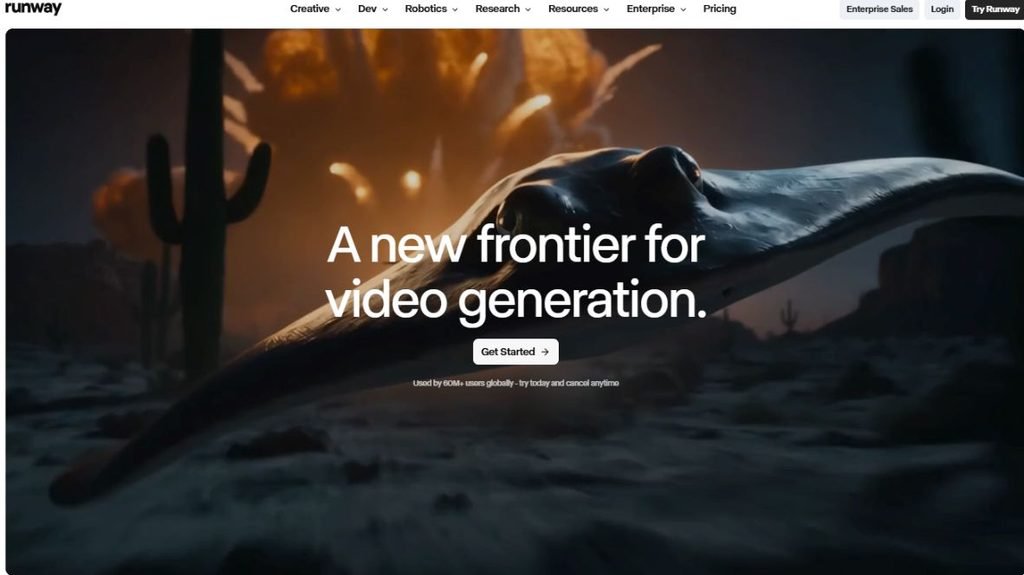
Runway is an AI video generation platform that helps creators turn images into moving video clips. It is suitable for businesses looking to create cinematic product advertisements, promotional visuals, and creative social media content.
Runway’s Gen-4.5 model supports image-to-video generation. Users upload an image and write instructions describing camera movement, subject motion, or changes within the scene.
The model can follow detailed instructions involving camera movement, timing, and visual composition. This helps marketers plan how a product should appear during a short promotional sequence.
Runway also allows users to adjust generation settings such as aspect ratio and duration. Gen-4.5 supports clips between two and ten seconds, giving creators flexibility when building short scenes.
For product marketing, users can experiment with close-ups, moving backgrounds, and different visual concepts. Several generated clips can then become part of a larger advertising project.
Key features:
- Turns uploaded images into AI-generated videos.
- Supports detailed camera and motion instructions.
- Offers the Gen-4.5 video generation model.
- Supports two-to-ten-second video generation.
- Provides aspect ratio and generation settings.
- Allows users to create and refine different visual concepts.
- Works well for cinematic promotional scenes.
Best for: Advertising teams, designers, and marketers creating visually detailed product videos.
3. Canva
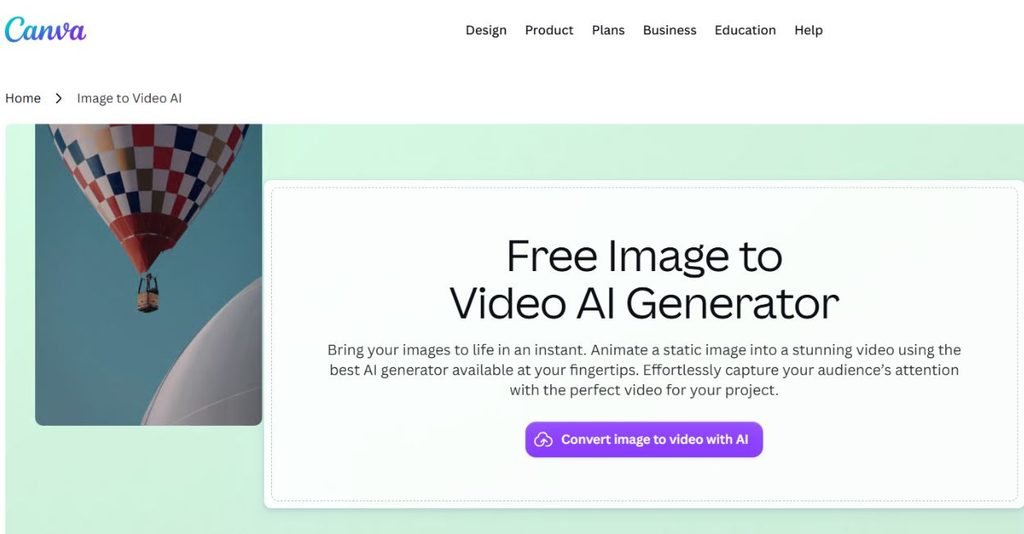
Canva is an online design platform that helps businesses create graphics, social media content, and marketing videos. Its AI Image to Video feature allows users to add motion to existing photos and still graphics.
Users can select an image within the Canva editor and choose the Image to Video feature. The tool offers Smart mode for automatic movement and Custom mode for describing a preferred animation.
Canva typically generates five-second animated clips that are added directly to the design editor.
After generating the animation, marketers can combine it with text, brand colors, music, and other design elements. Canva also provides templates for social media posts, promotions, and marketing campaigns.
This makes it convenient for small businesses that want to create videos alongside other marketing materials.
Canva is particularly useful for animating product photos, preparing promotional posts, and creating simple branded visuals without moving between several design applications.
Key features:
- Animates existing images using AI.
- Offers Smart and Custom animation modes.
- Generates short video clips from still images.
- Includes templates for social media and marketing.
- Supports text, graphics, music, and design elements.
- Provides tools for maintaining consistent brand visuals.
- Combines image animation with everyday design work.
Best for: Small businesses, social media managers, and marketers preparing short promotional content.
Tips for Creating Better AI Product Marketing Videos
1. Keep the Product in Focus
Choose movements that make the product easier to understand. Avoid unnecessary effects that draw attention away from the main subject.
2. Maintain Accurate Product Details
Review the generated video carefully. Check that the product shape, colors, logos, and packaging remain accurate.
3. Keep Videos Short and Clear
Short videos can work well for social media promotions. Start with the product, communicate its main benefit, and keep the message easy to follow.
4. Maintain Consistent Branding
Use familiar brand colors, fonts, and visual styles across different videos. This helps customers recognize your business across marketing channels.
5. Test Different Creative Approaches
Try different opening shots, camera movements, and promotional messages.
Testing these ideas can support your social media marketing strategy and help identify which videos connect better with your audience.
Common Mistakes to Avoid
AI can simplify video creation, but the quality of the results still depends on the source images and instructions.
- Poor-quality images: Blurry product photos can affect the generated video.
- Unclear prompts: Vague instructions may produce unexpected movements.
- Excessive animation: Too many effects can distract from the product.
- Inconsistent branding: Changing colors or packaging can confuse viewers.
- Skipping the final review: AI-generated videos should be checked before publishing.
It is also important to connect video content with marketing goals. Clear product presentations can complement other efforts to improve ecommerce sales, such as better product pages, advertising, and customer engagement.
Conclusion
AI image-to-video tools help businesses create marketing content from product photos they already have. With clear images and suitable motion instructions, marketers can prepare short videos for ecommerce, social media, and digital advertising.
Platforms such as invideo, Runway, and Canva offer different ways to create these videos. The right choice depends on the type of content, editing needs, and marketing goals.
For the best results, focus on product accuracy, consistent branding, and simple messages that help customers understand what you offer.
Frequently Asked Questions
1. Can AI turn a single product image into a marketing video?
Yes. AI image-to-video tools can turn a single product photo into a short animated clip. Users can describe camera movements, zoom effects, and other visual changes to guide the result.
2. Which AI tool is good for turning product images into videos?
Invideo, Runway, and Canva are useful choices. Invideo offers image animation with editing and brand consistency features, Runway supports detailed video generation, and Canva works well for short animations and marketing designs.
3. Can I use AI-generated product videos for social media advertising?
Yes. AI-generated product videos can be prepared for social media advertising, provided the content follows the platform’s policies and the tool’s commercial usage terms. Always check product accuracy before publishing.
4. Do I need professional editing skills to create AI product videos?
No. Many AI tools allow users to upload an image and describe the animation using simple text instructions. Basic editing knowledge can help improve the final presentation, but advanced editing experience is not always necessary.

Sam K
Sam K is a brand growth marketer with 8 years of experience helping D2C, ecommerce and B2B brands grow through performance marketing, SEO, content and influencer campaigns. At Codexxa, Sam writes practical, data-backed guides on the strategies that turn marketing spend into measurable brand growth.
Related posts
How to Turn Text Into Marketing Videos Using AI
Learn how to turn text into marketing videos using AI, with a 6-step process, three AI tools (invide...
10 Powerful Use of AI in Digital Marketing You Should Know in 2026
Artificial Intelligence is changing how businesses attract, engage, and convert customers online. Fr...